Student Support & Course Access
Everything current CSLP students need: how to log in, what to do if you can’t find your welcome email, how to extend your access and how to reach our team.
How Can We Help?
Log In to Your Course
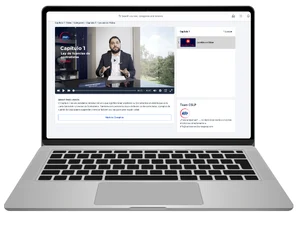
Use the Student Login button to access your online lessons, books and quizzes on any device.
Student LoginDidn’t Get Your Welcome Email?
Course access emails usually arrive within 15 minutes. Check your junk/spam folder, then email us if it’s still missing.
Email supportExtend Your Access
Need more study time? Pay for an extension and keep learning without losing your progress.
Pay for an extensionWeekly Live Classes
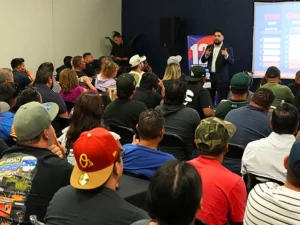
Online students can join weekly live classes to review a chapter and ask questions in real time.
Online coursesIn-Person Bootcamp
Want a final review before your exam? Reserve a seat at our 2-day in-person bootcamp.
Reserve a seatVisit a Location
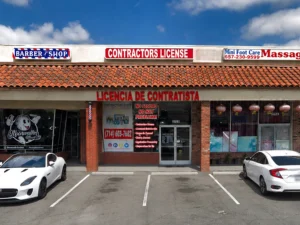
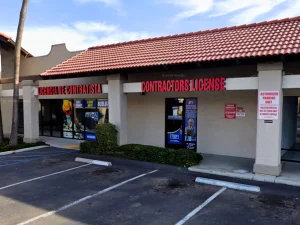
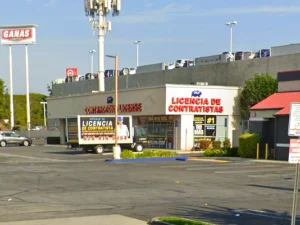
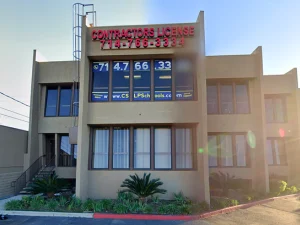
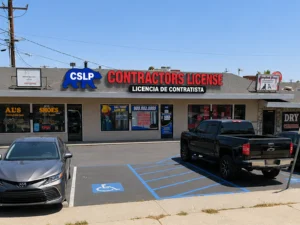
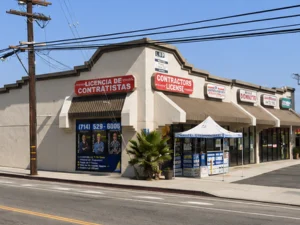
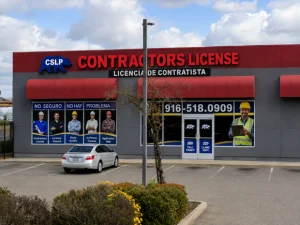
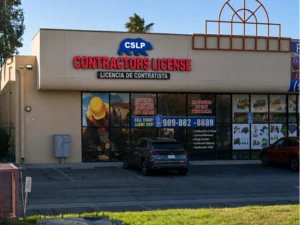
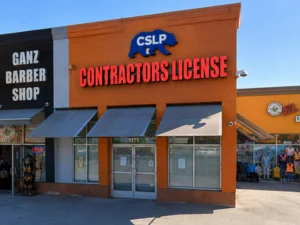
Get help in person at one of our 10 California locations. Call ahead to confirm hours.
Find a locationGetting Started After You Enroll
- Watch for your emails and texts. After you pay, you’ll receive an order confirmation and instructions to access your course.
- Sign your student agreement. Some enrollments include a CSLP student contract to sign before access is created.
- Set your password and log in. Use the link in your welcome email, then log in anytime with the Student Login button.
- Start with chapter one. Courses are structured as one chapter per week, but you can move faster if you choose.
- Join a live class. Bring your questions to the weekly live online class.
Still need help? Email info@contractorslicenseprep.com or call (951) 561-3116. Se habla español.
Contact Student Support
Send us a message and our team will get back to you as soon as possible.
Student Support FAQs
How do I log in to my CSLP course?
Click Student Login at the top of any page or go to contractorslicensecourse.com/login and sign in with the email and password from your welcome email.
I didn’t receive my welcome email. What should I do?
Wait 15 minutes, then check your junk or spam folder. If you still can’t find it, email info@contractorslicenseprep.com and we’ll help you get access.
Can I study on my phone?
Yes. The course platform works on phones, tablets and computers, and your progress syncs between devices.
What happens when my course access expires?
You can pay for an extension. If you’ve already lost access, you regain it immediately after paying; if you still have time left, the extension starts when your current access ends. Pay for an extension.
Can I get help in Spanish?
Yes. CSLP offers bilingual support in English and Spanish.